
Your factory screen.
Now running full Android.
Plug the TBox into your car's existing wired CarPlay port and unlock Netflix, YouTube, Google Maps, and the entire Google Play Store — no wires cut, no dash removed, no new screen needed.
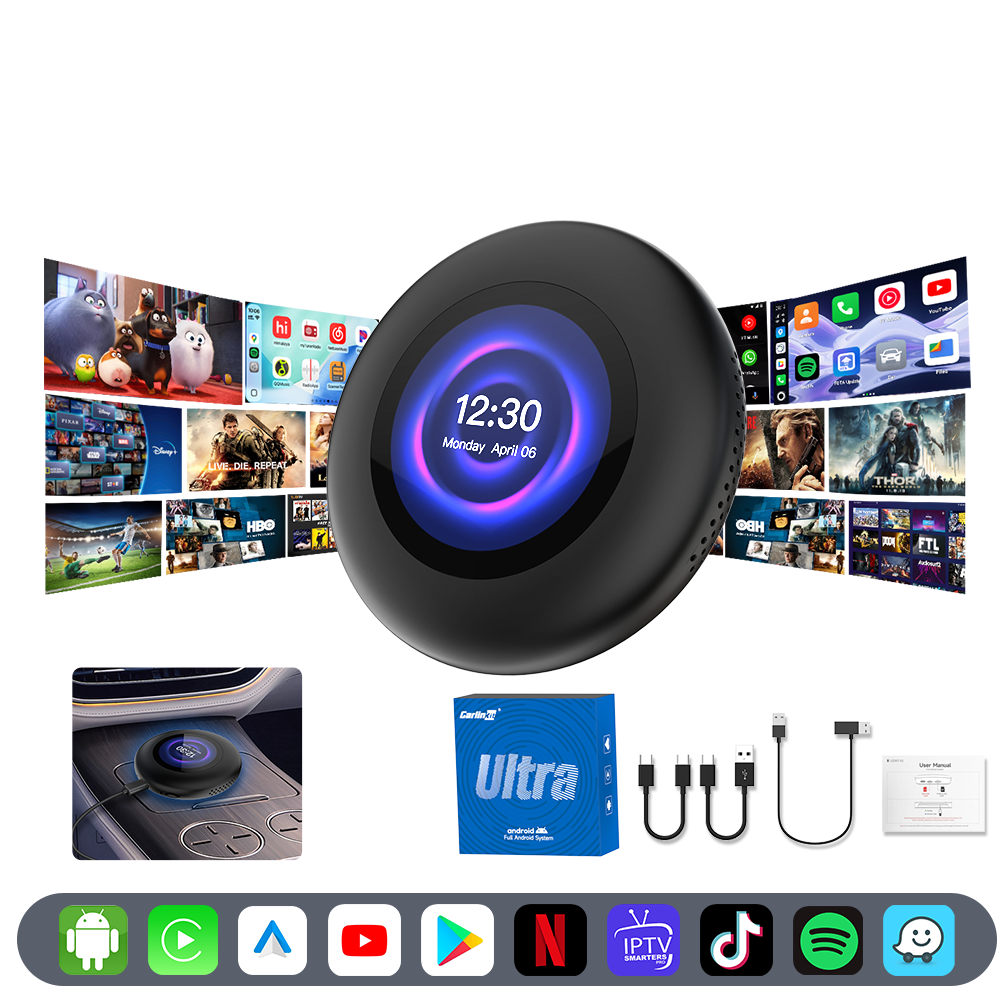
Shop TBox in your region
Pricing, currency, and shipping tailored to where you drive. Pick your store below.
Five ways to upgrade your dash
From an entry-level everyday upgrade to the 5G-connected flagship — every TBox keeps your OEM CarPlay screen and adds a full Android multimedia system on top.

USB Tbox Max (Ambient)
Turns your OEM CarPlay screen into a full Android 13 hub. Stream Netflix & YouTube while ambient lighting syncs to your music, powered by a Qualcomm 660 8‑core chip.

Tbox UHD
HD video output lets passengers enjoy movies on an external screen. Instantly switch between CarPlay, Android Auto, and full Android 13 — no reboot required.
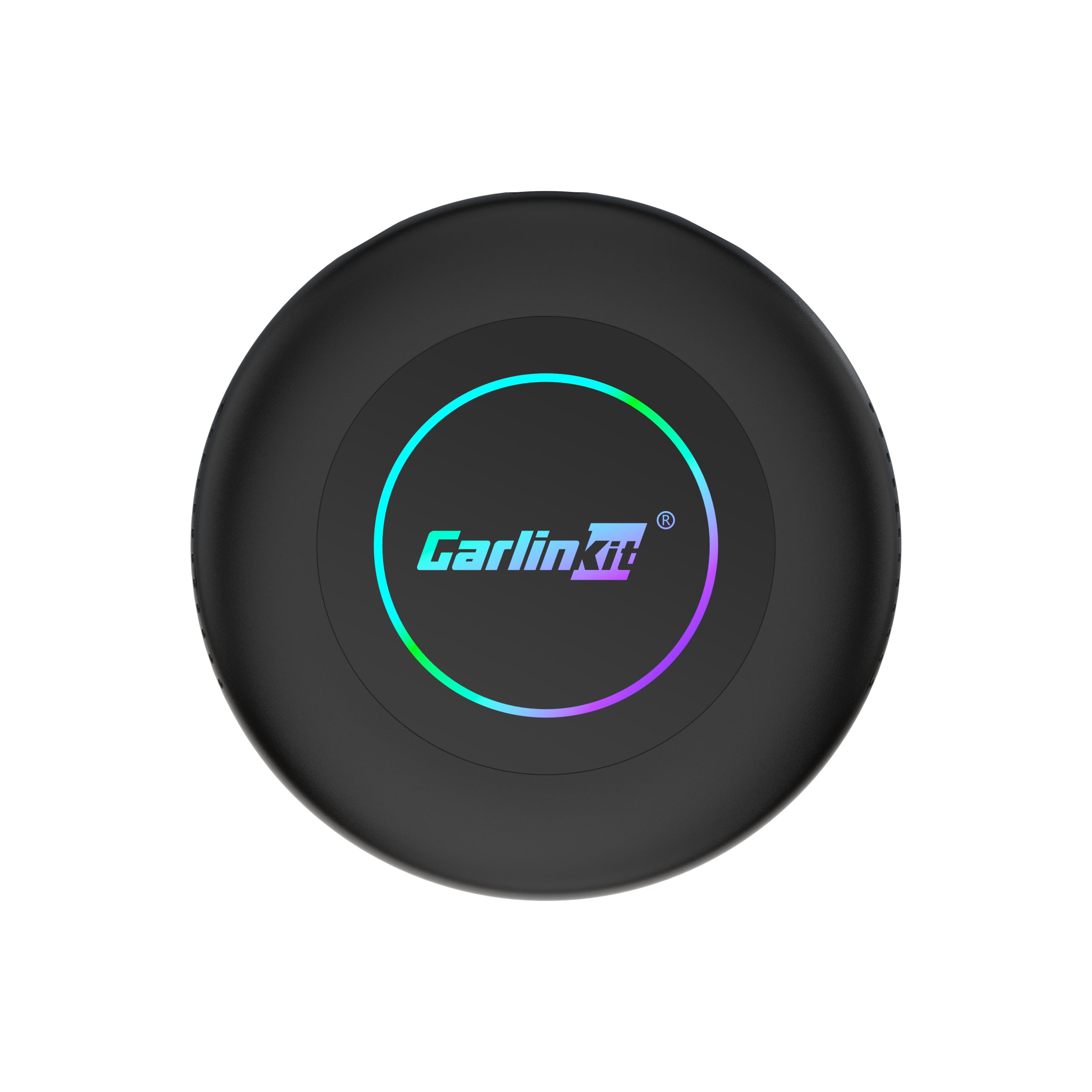
Tbox Ultra 2
Android 15 paired with the Qualcomm 6350 chip delivers console-level performance. Built-in 4G SIM keeps you online, and 8GB + 128GB handles any app without breaking a sweat.
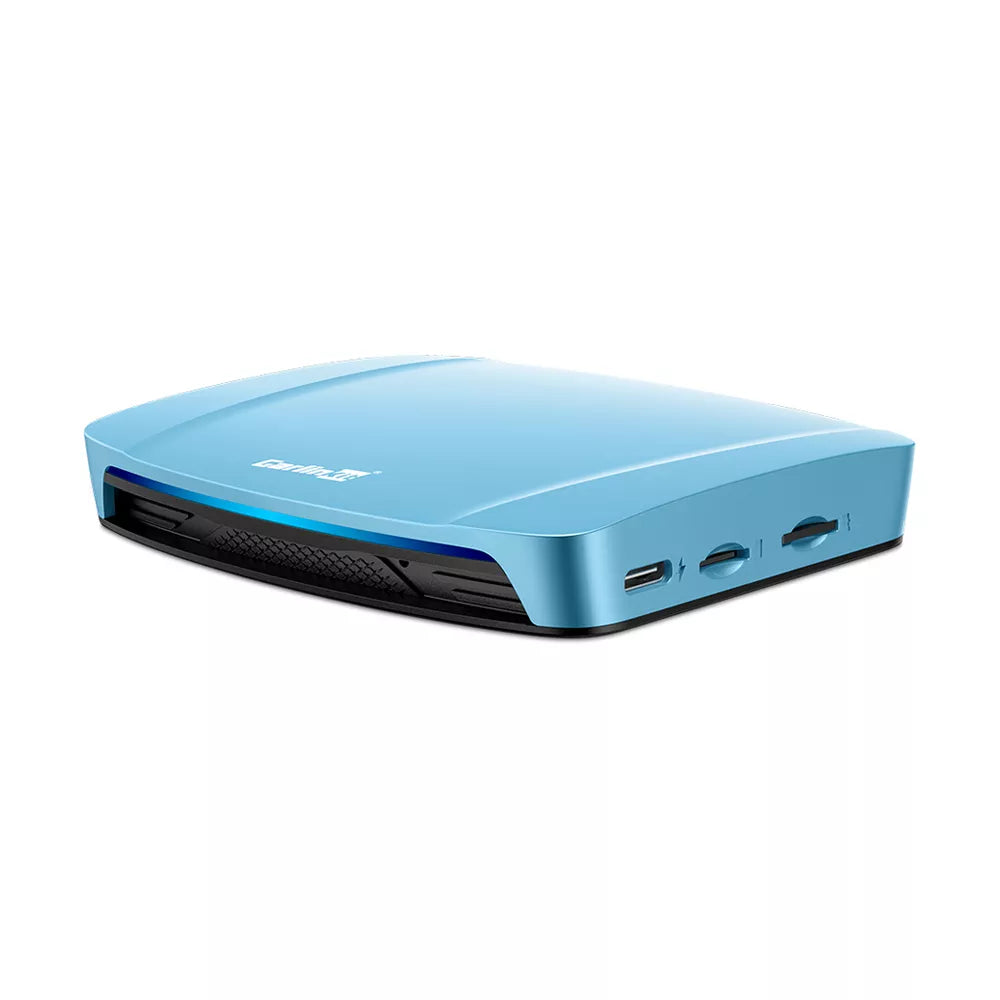
Tbox 4.0 Ultra
The definitive evolution of the TBox 4.0 line. Runs Android 15.0 for the latest app support and smoothest animations — CarPlay, Android Auto, and the full Play Store at your fingertips.
Tbox Ultra 3
Adds 5G LTE connectivity, a built-in LCD status screen, and 3 CarPlay protocols — including exclusive BMW compatibility. Dual-band GPS, split screen, and a 2-year warranty.
Built on the bones of your OEM screen
Keep your OEM interface
No new screen, no dash surgery. TBox works through the CarPlay connection your car already has.
Full Android, not a workaround
Google Play, Netflix, YouTube, Chrome — install and run any Android app, not just a mirrored phone screen.
Built-in GPS & connectivity
Every TBox ships with built-in GPS, and select models add 4G or 5G SIM slots so you're never tethered to a hotspot.
Plug and play install
USB plug-and-play setup in seconds — no dismantling the center console or original car stereo.
TBox FAQ
Straight answers about compatibility, setup, and what actually makes TBox different from a standard wireless CarPlay adapter.
View Full FAQWhat is the Carlinkit TBox?
Does my car need to already have CarPlay to use TBox?
Does TBox work with both iPhone and Android phones?
Do I need an internet connection in the car to stream Netflix or YouTube?
What's the difference between the TBox models?
Is installation difficult?
Can I still use wireless CarPlay or Android Auto instead of the Android system?
Guides, tutorials & compatibility answers
Everything you need to know about setting up, troubleshooting, and getting the most out of your Carlinkit device.
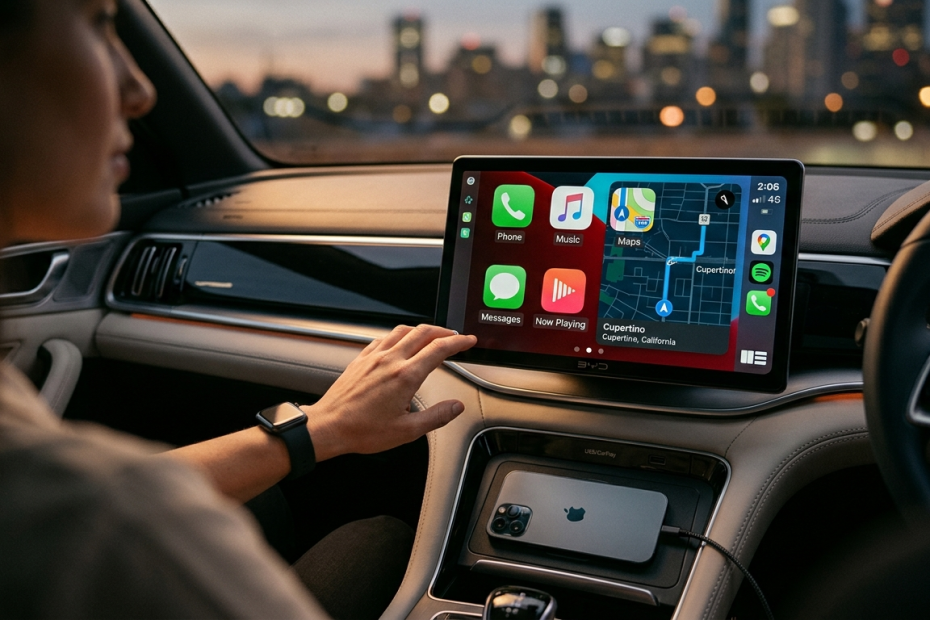
BYD TBox Apple CarPlay: Does BYD Support It?
What 2024–2026 BYD models offer from the factory, and where TBox adds Netflix, YouTube, and more on top.
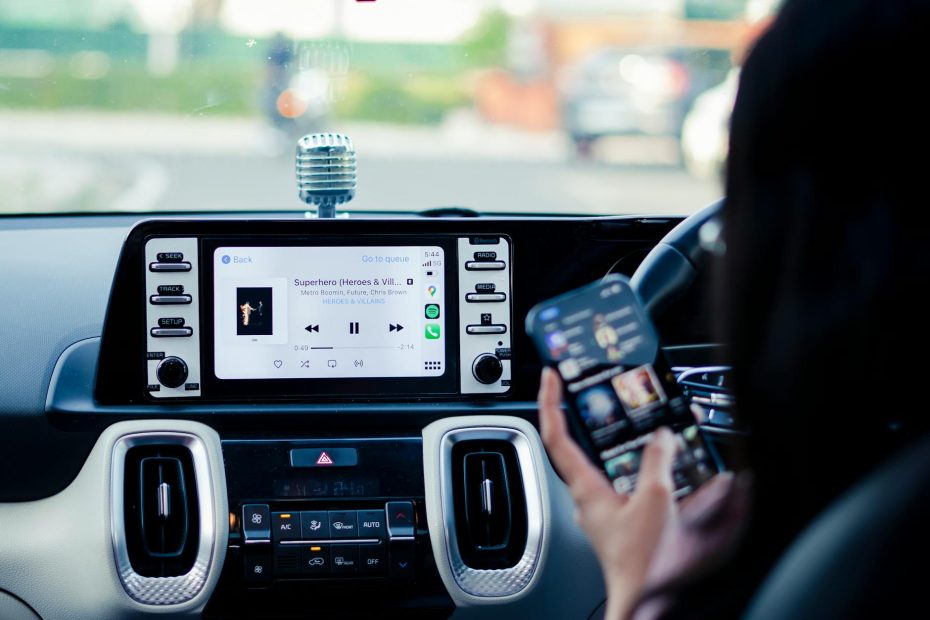
Morning Rush Made Easy: Features Every Parent Needs
How wireless CarPlay and TBox's built-in apps simplify school-run mornings for busy families.
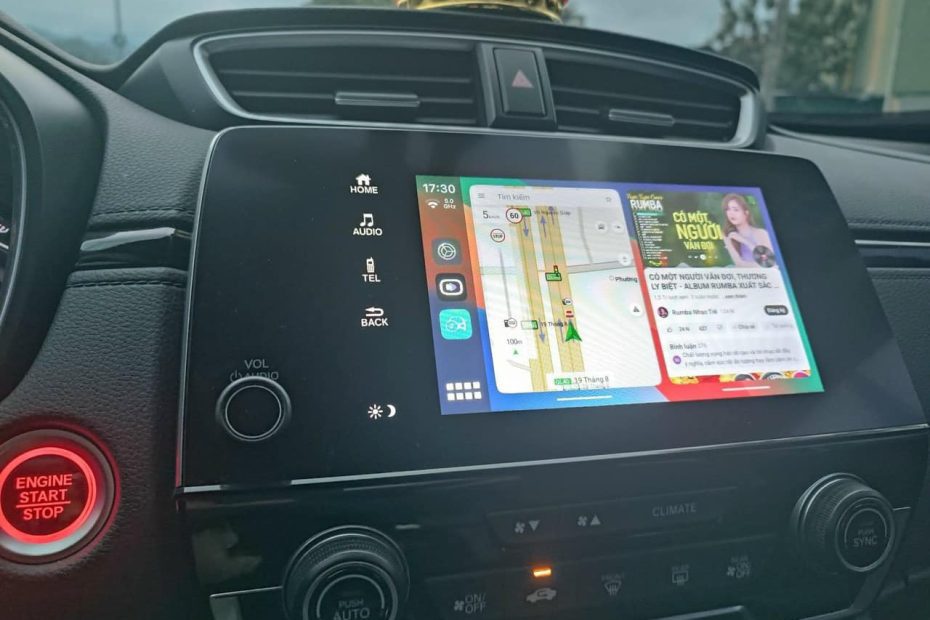
TBox Max: The Ultimate Wireless Solution for Car Connectivity
Why TBox eliminates the need for multiple adapters for households with both iPhone and Android users.
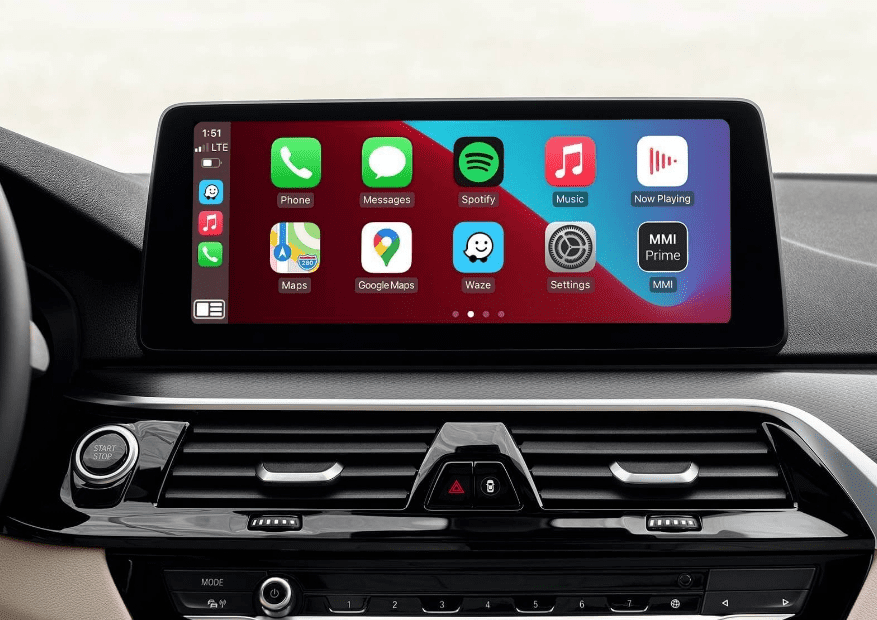
Method to Check IMEI: A Complete Guide for Verification and Tracking
Step-by-step ways to locate your device's IMEI number for warranty registration and support requests.

192.168.50.2 Carlinkit CPC200 Dongle and Firmware Upgrade Guide
How to tell your Carlinkit models apart and walk through the backend firmware update process.

Android Auto Random Disconnect: Causes and Solutions Explained
Fixes for dropped connections, from HULink type settings to WiFi band and frame rate adjustments.
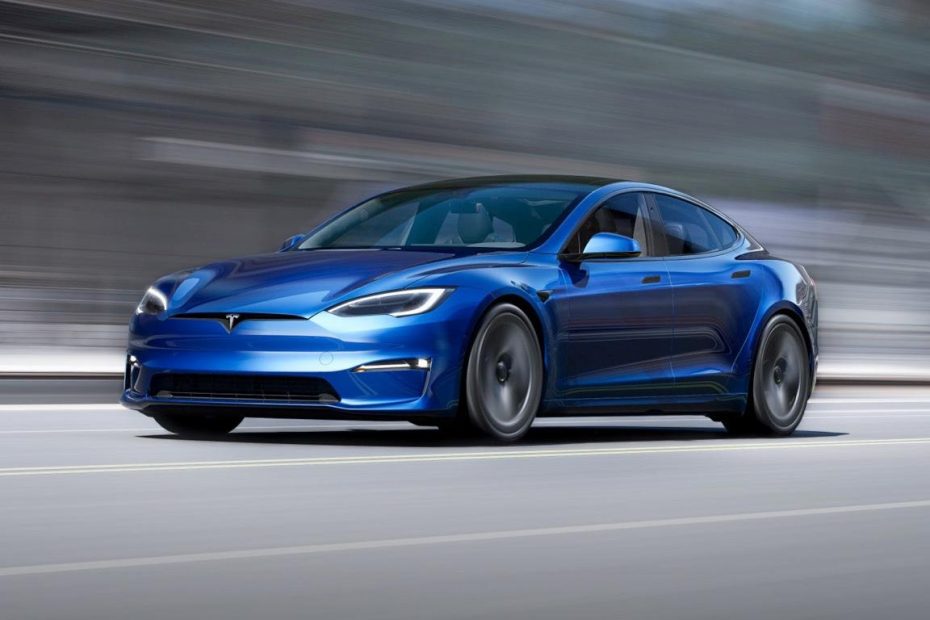
Tesla Tutorial: A Comprehensive Guide to Understanding Your EV
What Tesla owners should know about in-car software updates and streaming options before adding TBox.
Pick your TBox. Plug it in. Drive.
Five models, one install method. Find the TBox that matches your chip, storage, and connectivity needs.
Browse the Full Lineup